cat info.txt

Demme Learning

A design system for the family publisher behind Math-U-See. We turned their teaching principles into a site structure, tested it against four personas, and drew the megasite and the Digital Toolbox on top.

Demme Learning

Demme Learning

From publications to platform.

A design system for the family publisher behind Math-U-See. We turned their teaching principles into a site structure, tested it against four personas, and drew the megasite and the Digital Toolbox on top.

Client
Demme Learning
Discipline
UX · Information Architecture · Design System
Year
2024
Digital Toolbox lesson showing subtraction with regrouping using illustrated blocks
A lesson built around the blocks, with teaching support close at hand. Delivered interface design; implementation paused before launch.Inspect screen ↗
23
Pages mapped to the section
17
Figma pages, with a 21-page spec
Case study
Read the full story at wrkhrs.co
Brand book
Design system, live at a URL

StatusDesign delivered · Implementation paused before launch

Demme Learning has published Math-U-See from Lancaster, Pennsylvania for three decades. By late 2023 a parent looking for it could land on the marketing site, the store, or the software, each on its own domain with its own login, while the sales team was opening a second market in charter schools and districts. The brief carried two constraints from the first meeting: do not spend the homeschool trust, and do not build a second site for schools.

Curriculum first. Software second.

Voice pillar, Design System (Beta), 2024

The brand decided the structure

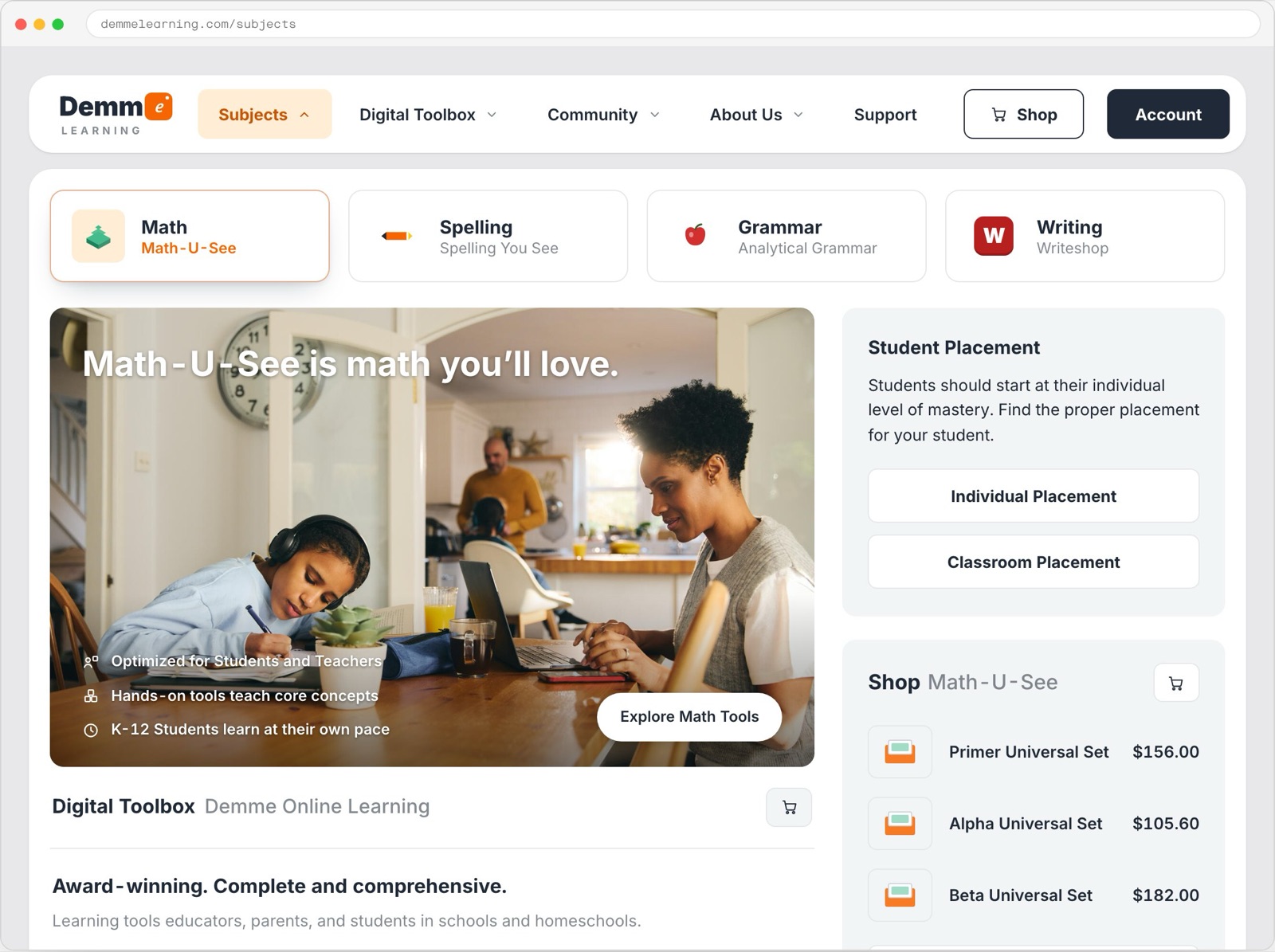
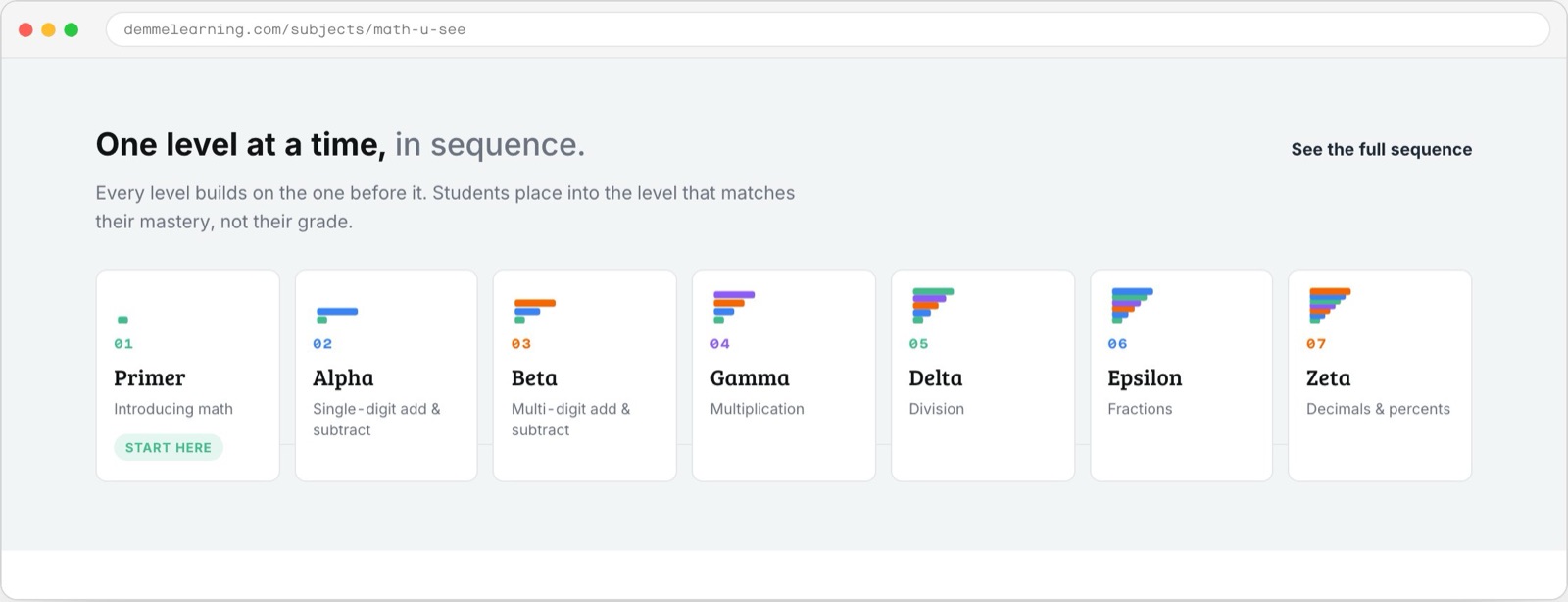
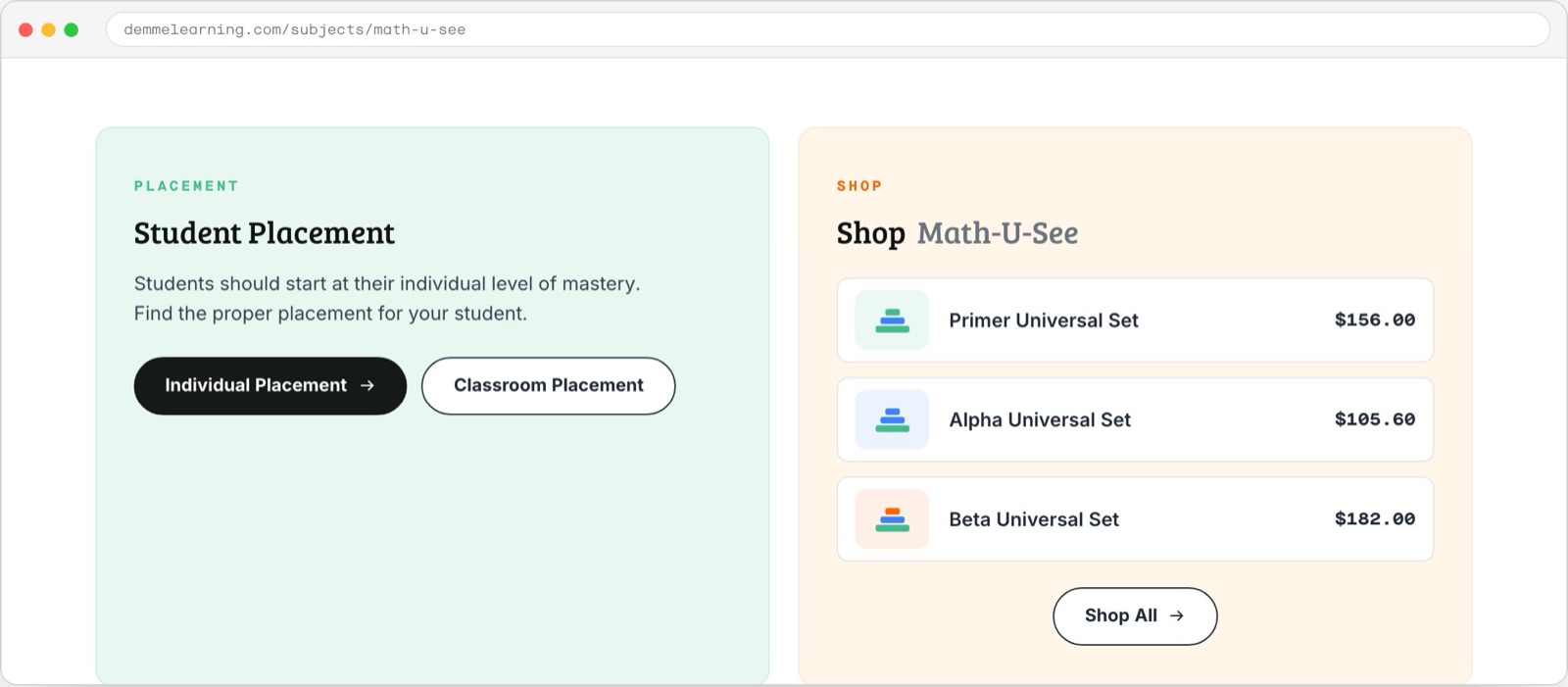
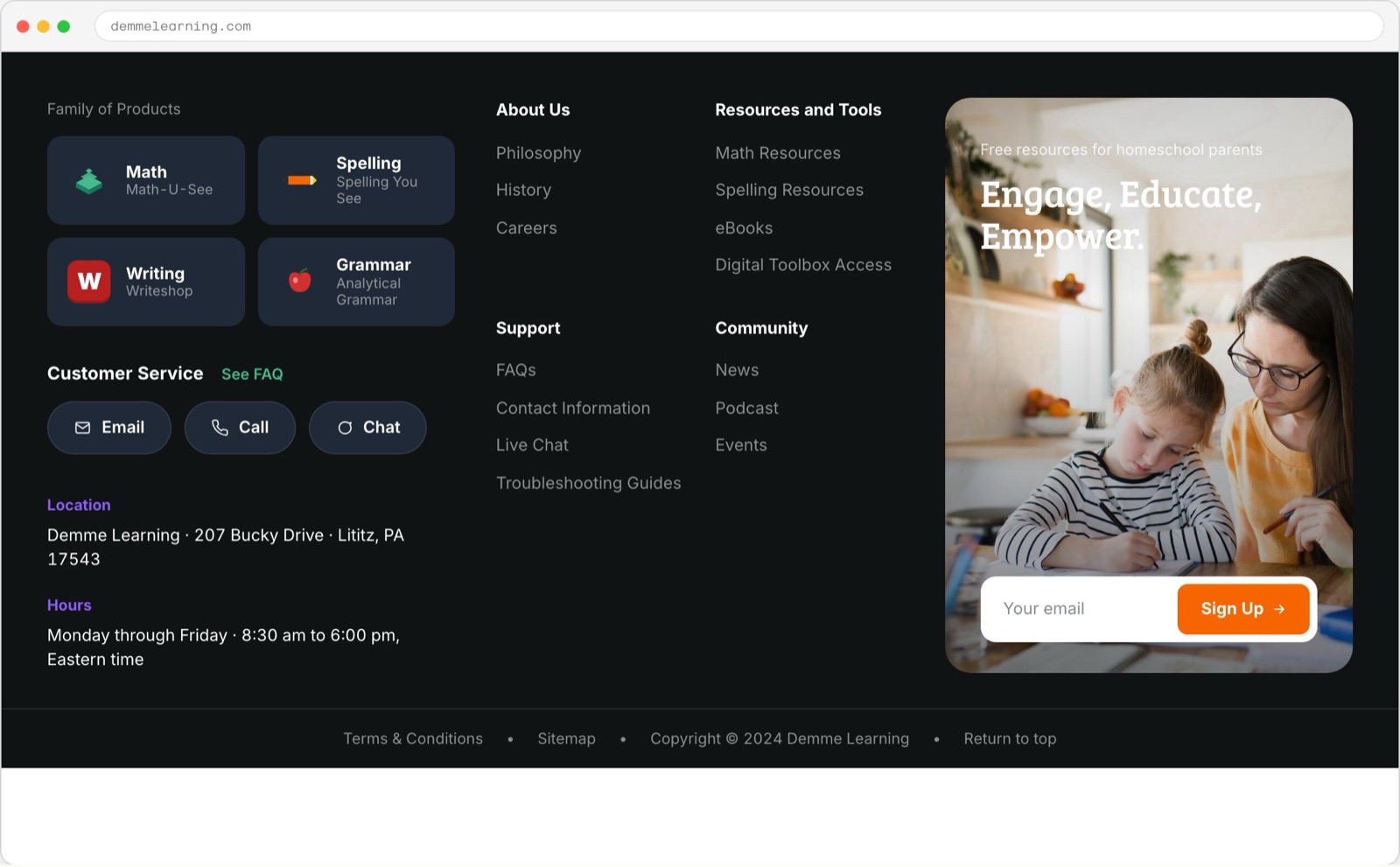
Before we drew a screen we wrote down what Demme believes about learning and treated those statements as constraints on the design. Seven principles came out of that work, and four of them changed the product. A card sort in customers’ own words settled the rest. People think in subjects, and they expect one path through reading, buying, and doing the lesson. So the structure leads with Subjects, keeps Shop as a sibling, and fixes the Digital Toolbox in every navigation state. Eight sections cover twenty-three pages.

Exhibit 01 / decision record

One structure for learning, buying, and teaching

Starting point / separate destinations

  1. Marketing site

    Discover the curriculum on one domain.

  2. Store

    Move to another domain to buy.

  3. Learning software

    Reach the lesson through a separate site and login.

Proposed model / a shared hub

  1. Subjects lead

    Start with the curriculum the family is looking for.

  2. Shop stays a sibling

    Keep purchasing visible within the shared navigation.

  3. Digital Toolbox stays in reach

    Keep the route to teaching available in every navigation state.

Explanatory model of the documented starting point and proposed architecture. This is a case-study diagram, not an original research artifact.
Demme megasite information architecture
Eight sections cover twenty-three pages. Open the full-size diagram to inspect individual destinations.

Mobile navigation: Subjects, Support, and Shop as the top row, with each section opened

The same lesson, different responsibilities

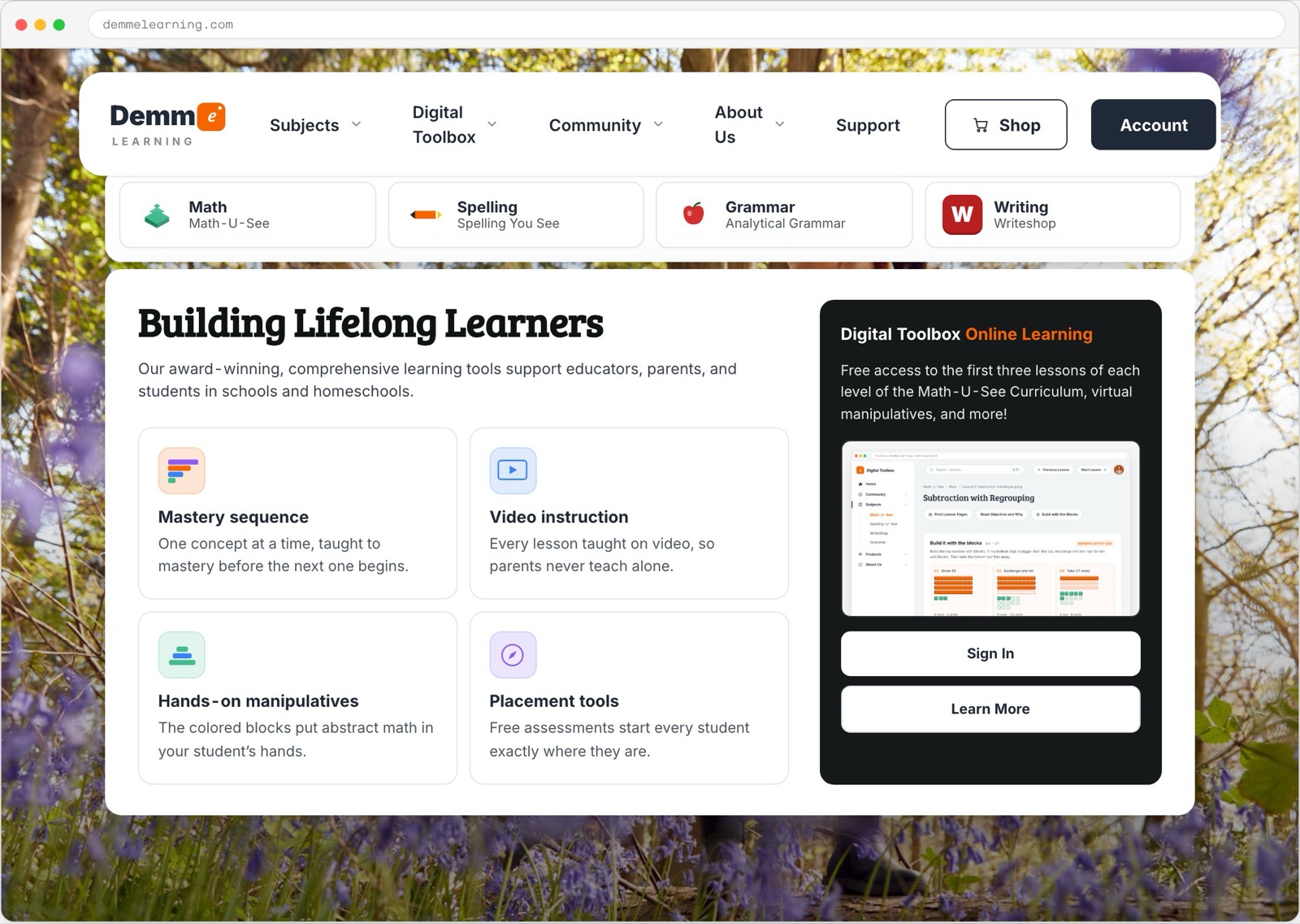
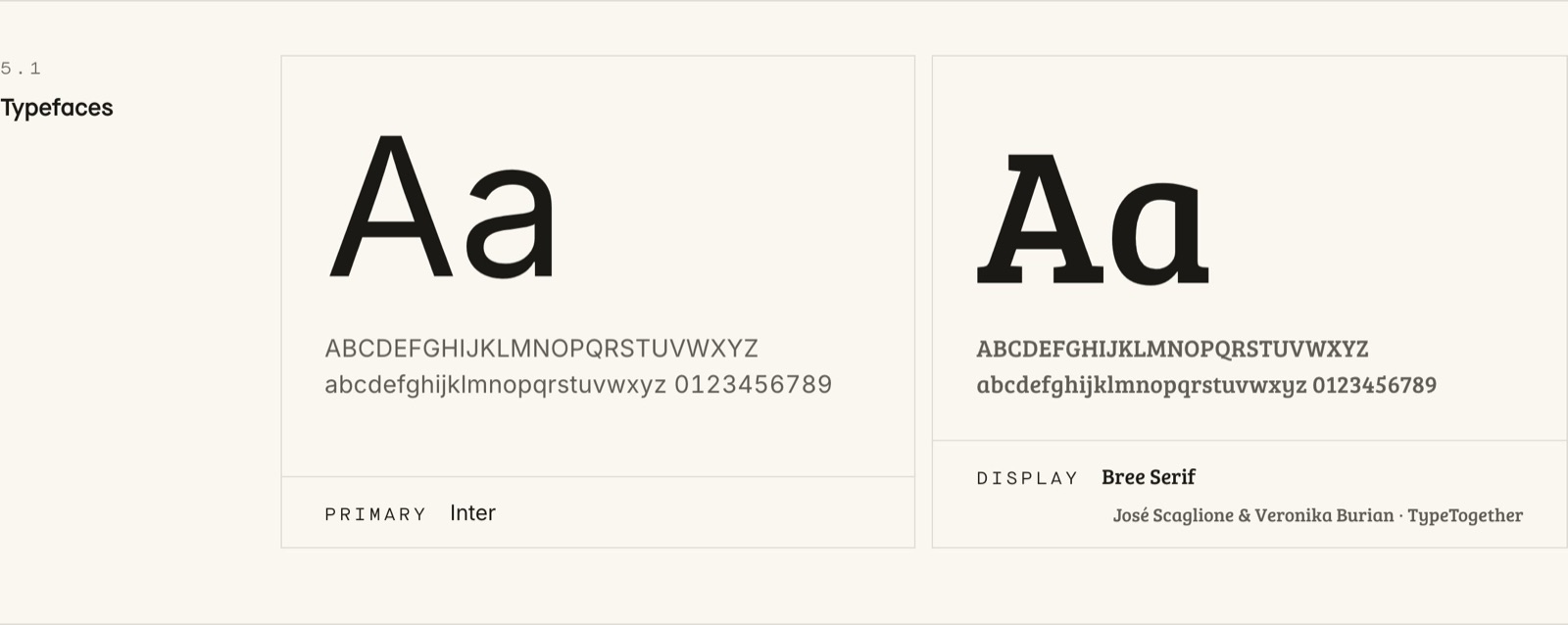
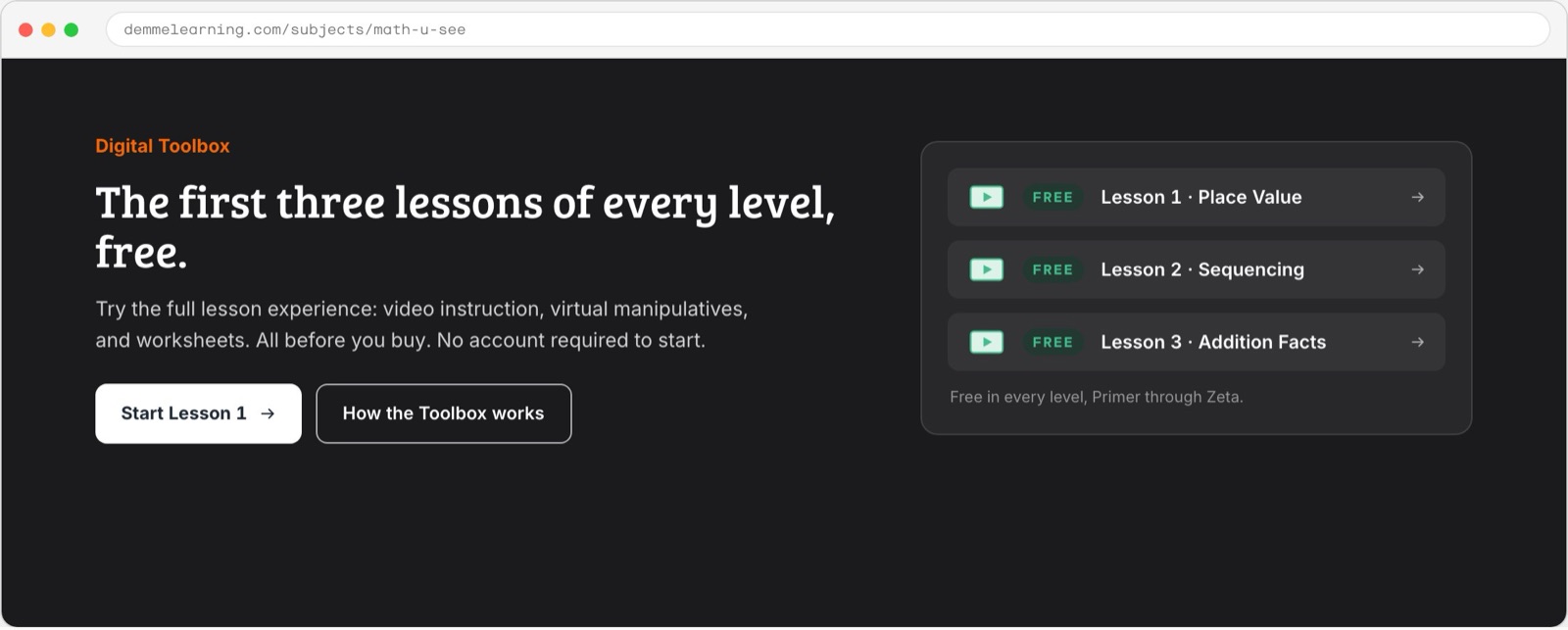
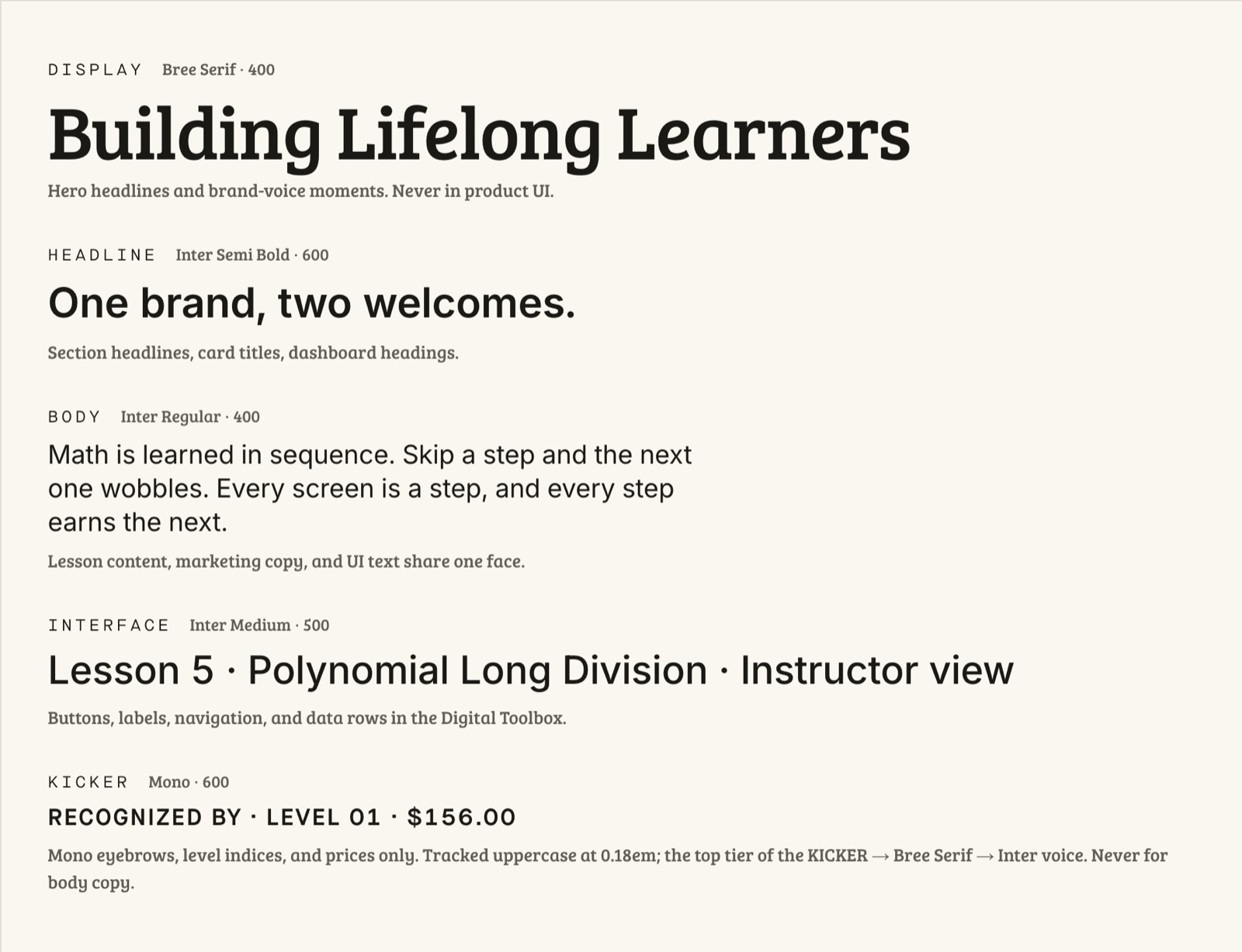
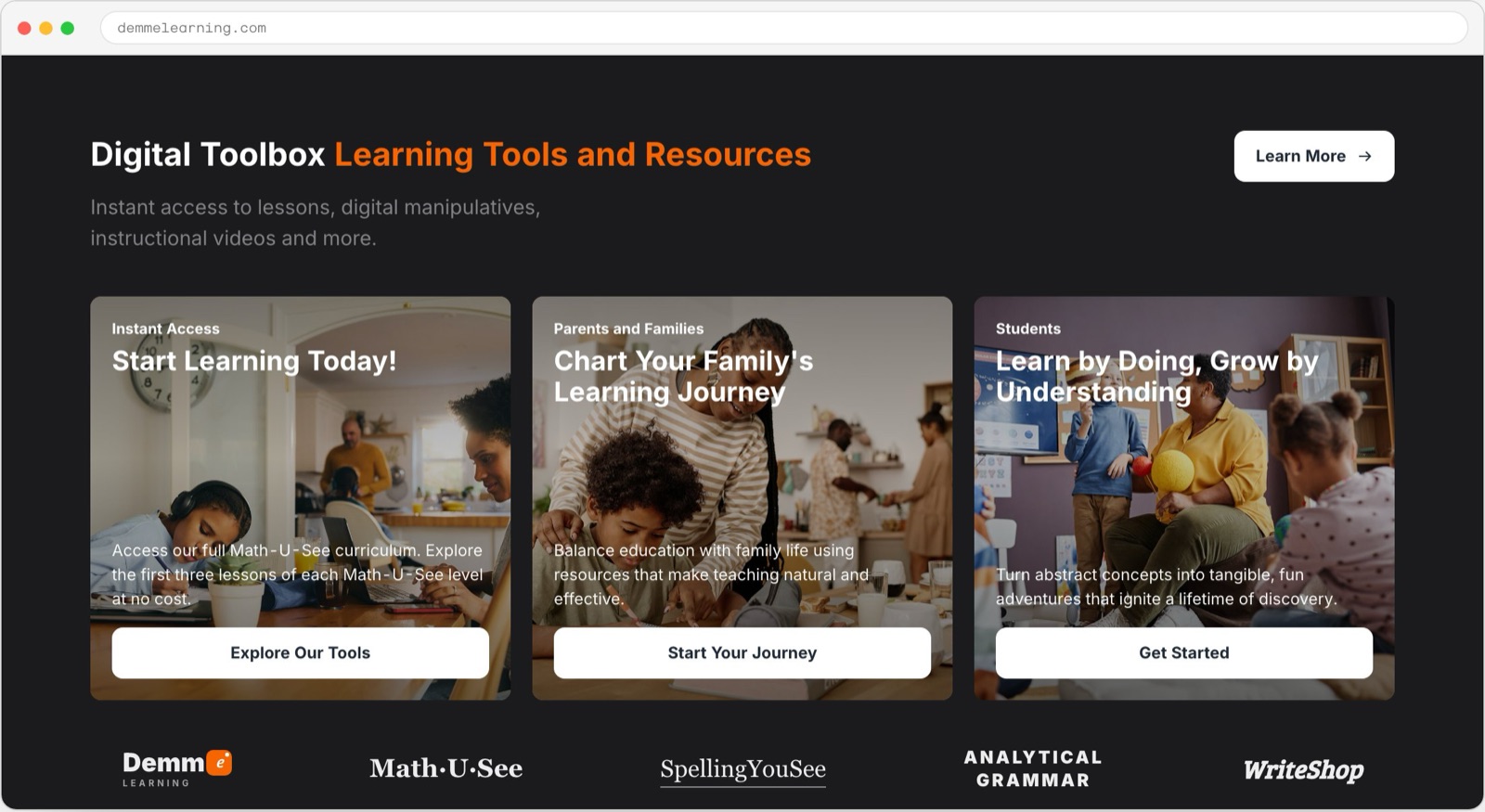
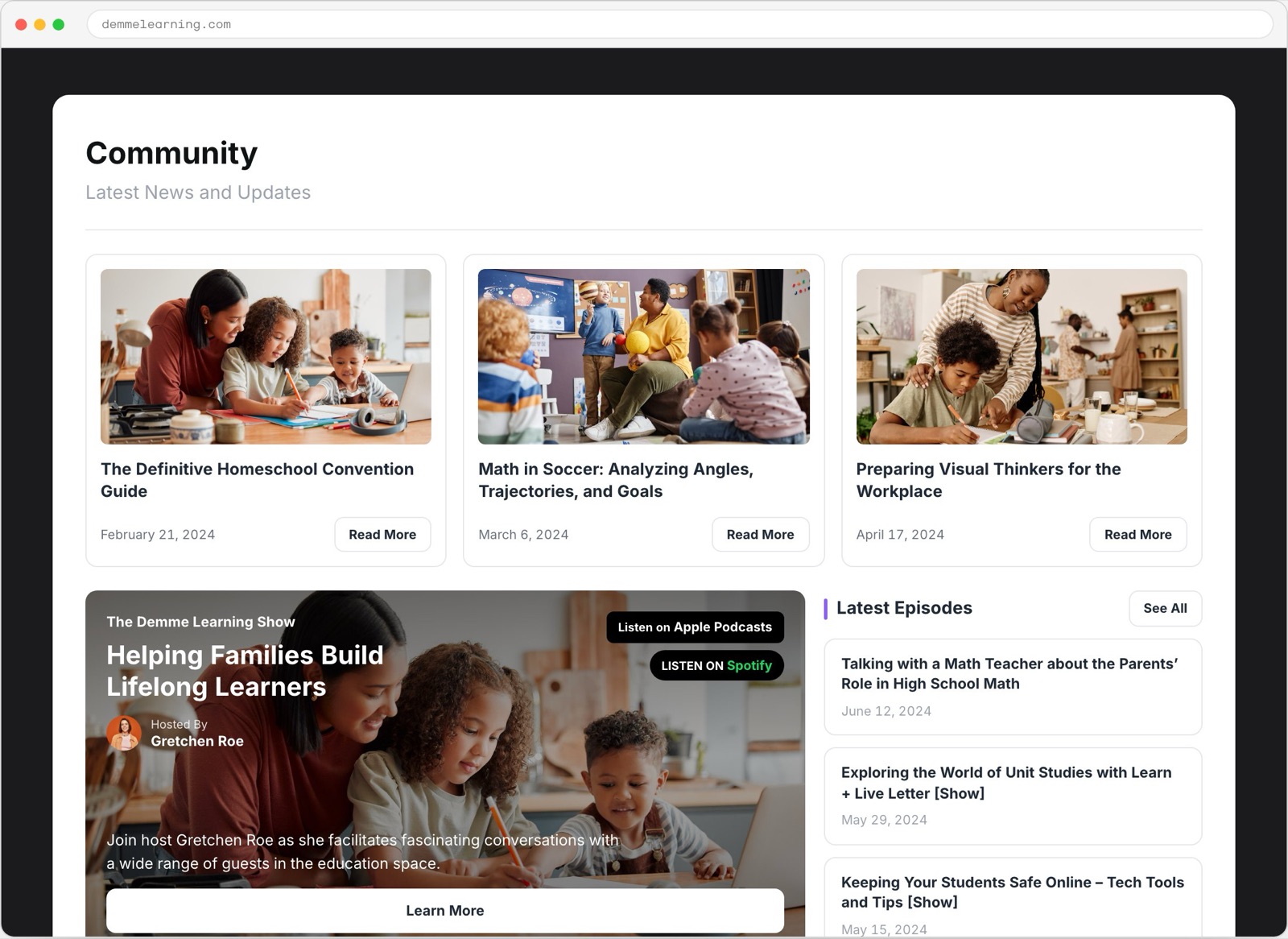
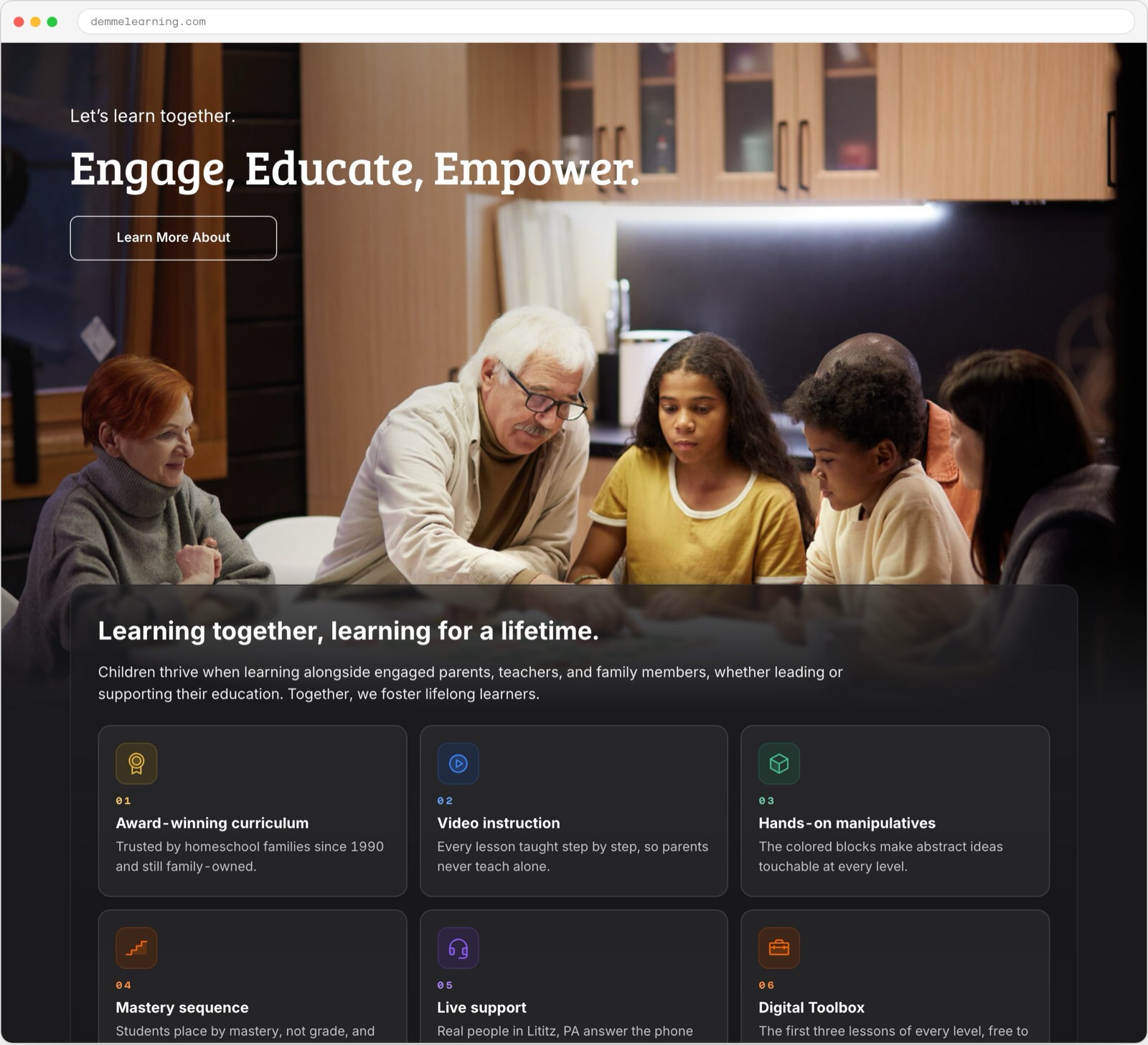
We reviewed the paths against four personas, each one defined by why someone opened the page and how many minutes they get before something interrupts. We redrew the flows three times and delivered the hub model. The megasite and the Digital Toolbox sit on top as working components in Demme’s own colors and type: Inter for lessons, buttons, and data rows, Bree Serif where the brand speaks in its own voice.

interface / Digital ToolboxFull-size image (opens in a new tab)
Subtraction with Regrouping lesson with a three-step block exercise and an expanded instructor help panel
  1. Teach the operation

    Three illustrated steps connect regrouping to the physical blocks.

  2. Keep help in the lesson

    Solutions and teaching notes sit below the exercise, in the instructor panel.

Delivered lesson design. The expanded instructor panel is visible in this screen; it is not a recording of a launched product.

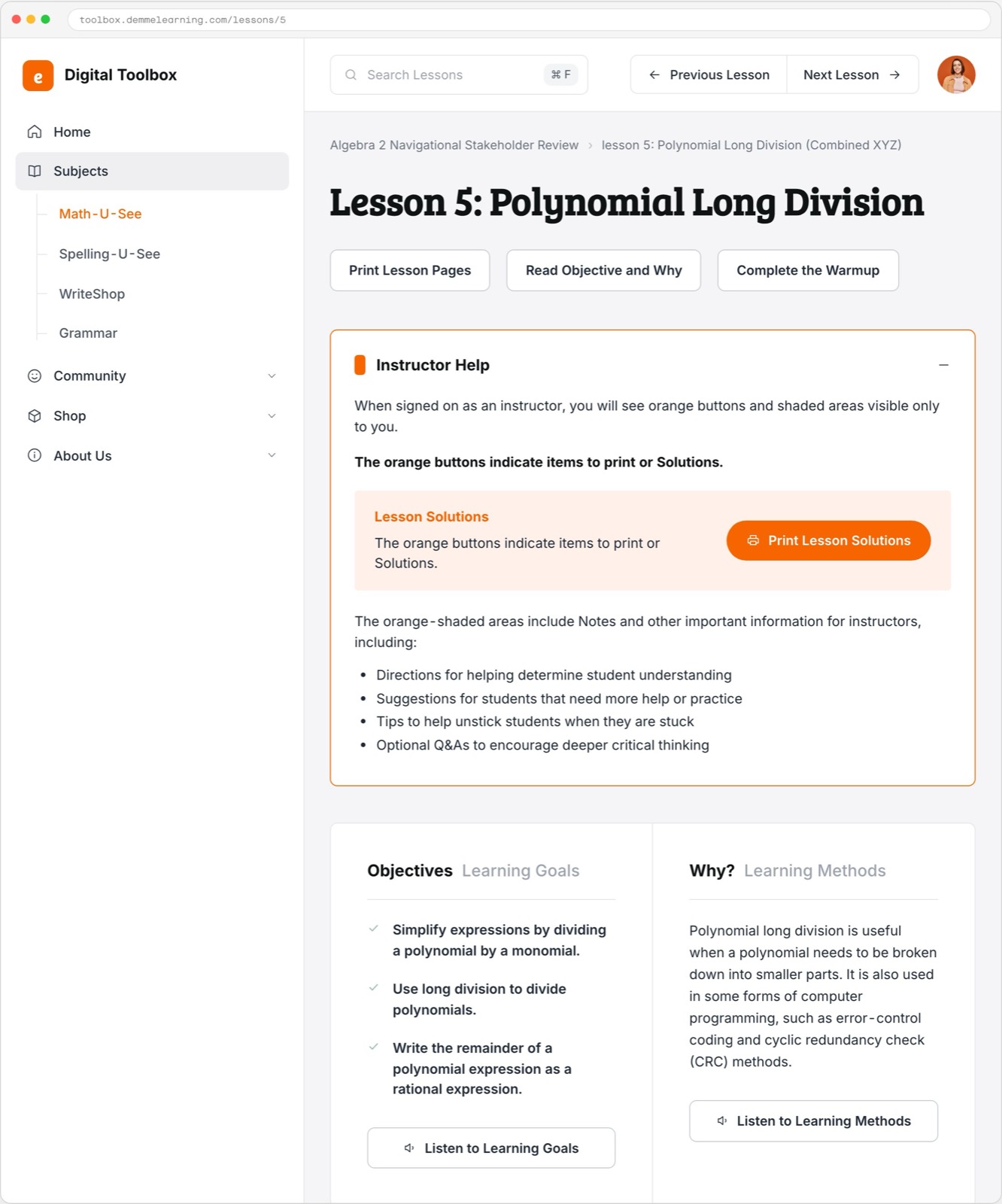
In the Toolbox, orange marks what only the instructor sees: the lesson solutions, the notes on where a child gets stuck. A child signed in to the same lesson sees it without them.

Exhibit 02 / decision record

A shared lesson with role-specific help

Learner

  1. The lesson

    The child sees the lesson without the instructor-only solutions and notes.

Instructor

  1. The lesson, with support

    The orange help panel adds solutions and notes on where a child may get stuck.

Comparison of the documented role behavior. The learner state is described here; no separate learner screen is presented as an original design export.

What we handed over

We delivered a 21-page spec and 17 Figma pages in August 2024. The build paused before launch, so there is no public site to point at.

Mobile homepage mockups

Navigation and mega-menu system

The color system: semantic, base, and status roles

From
Abraham Garcia
Studio
Charleston, South Carolina
Email
abe@wrkhrs.co
Phone
(202) 550-7569
Studio site
www.wrkhrs.co
LinkedIn
in/thehonestape